The Vanta Intelligence Business Suite

One business suite for every part of your business.

More than a hundred AI tools across twelve areas of a business, built as one suite. Finding customers, answering them, hiring, paying the bills, signing the contract, planning the next quarter: whatever the occasion, the right tool is already there, already knows your business, and keeps a person in charge of anything that matters.

100+
tools
12
areas of a business
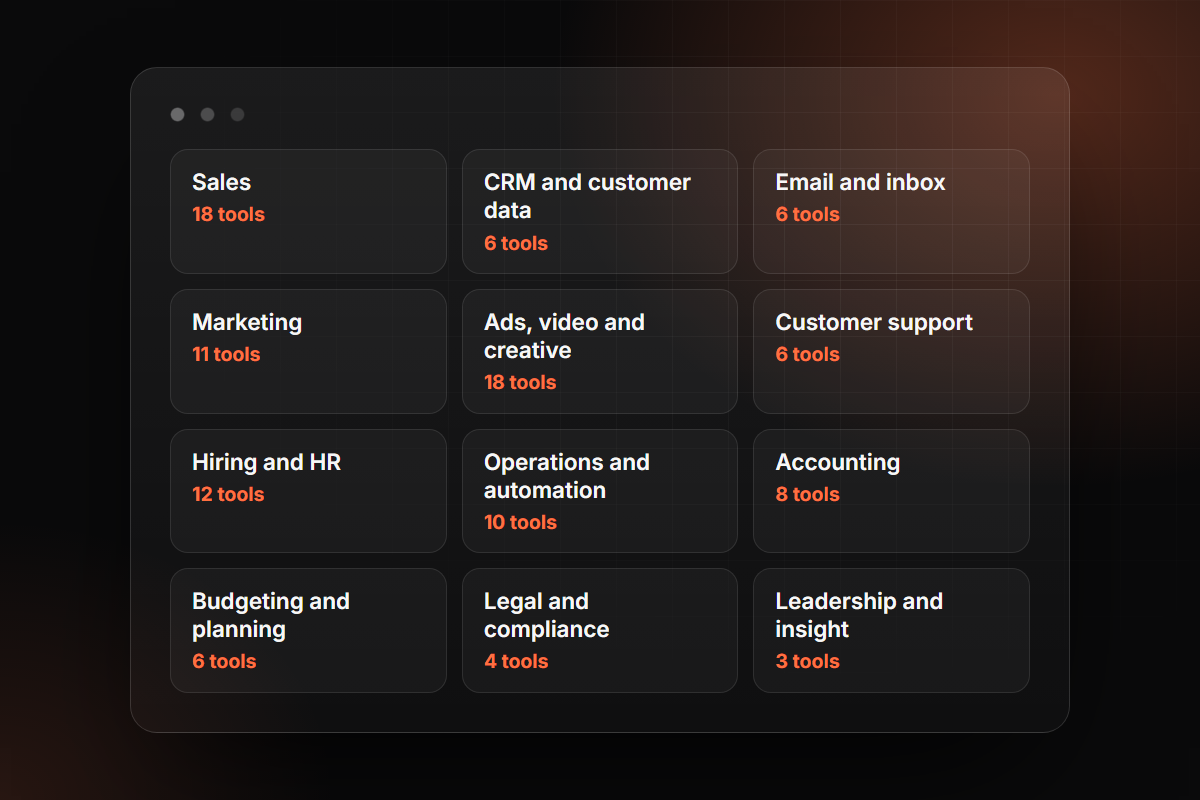
The Vanta Intelligence Business Suite: 108 tools across 12 areas of a business
Our mission

The whole back office you could never afford to hire. In one suite.

Most businesses run on a dozen disconnected apps and a few people doing ten jobs each. Our mission is to give every business, whatever its size, one suite that covers every part of the work, shares one record of the business, and has the right tool ready for every occasion.

  • Every part of the businessSales, marketing, support, hiring, operations, accounting, legal and leadership, in one place instead of a dozen subscriptions.
  • Everything talksEvery tool works from the same record: your customers, your offer, your voice, what was said on the last call. Each one builds on the others and never contradicts them.
  • A tool for every occasionFrom the first customer to the board meeting, each moment in the life of a business has tools ready for it.
  • You stay in chargeAnything that reaches a customer or moves money waits for a person's approval until you decide otherwise, and every action is logged.
  • Start with one, grow into all of itBegin with the job that hurts most. Add the next when the first has paid for itself, with nothing to set up twice.

Whatever the occasion, the suite is ready for it.

Businesses do not need AI in general. They need help with what is in front of them this week. These are the moments the suite is built for.

Starting out

A website, a brand voice and the first customers, without hiring an agency.

Filling the pipeline

The right buyers found, contacted, followed up and booked into your calendar.

Launching something new

The plan, the content and the ads for a new product or a new market.

The busy season

Every customer answered and every inbox under control when volume doubles.

Making a hire

From the job post to a fair shortlist to a first day that is ready for them.

Month-end and tax time

Bills entered, payments chased, books closed and the numbers explained.

Signing a contract

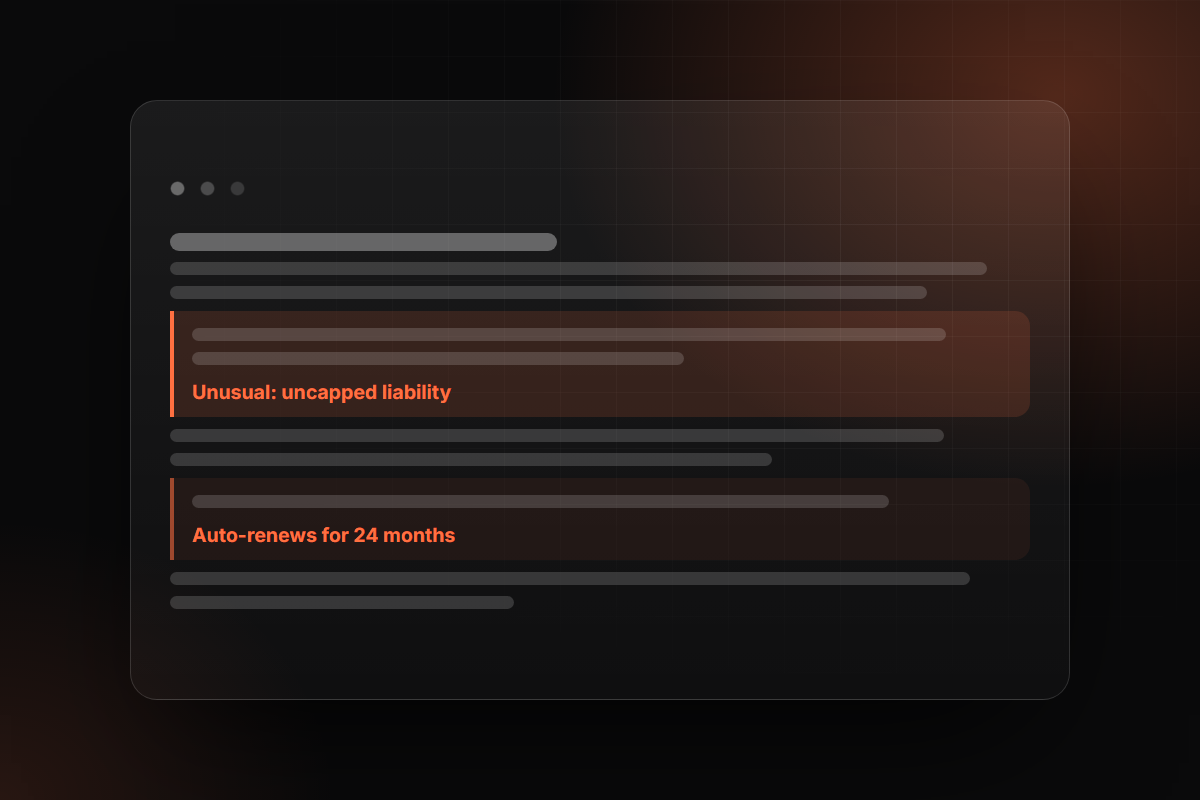
The risky clauses found and the redlines drafted before you sign.

A big decision

Hire, raise prices or open a new location: see the numbers before you commit.

Growing past the founder

The routine work runs the same way every time, and the team gets answers without asking you.

01Sales18 tools

A full pipeline without a bigger sales team

Find the right buyers, start conversations, and turn calls into signed work.

Most sales teams spend more time finding people and chasing replies than selling. These tools find the right buyers, write and send the outreach, answer every reply, book the meeting and review the call afterwards, so your people spend their day in conversations that can close.

  • More qualified meetings every month
  • Every reply answered, every follow-up sent
  • Proposals out the same day as the call
A few of the 18
Reply Agent

Answers every sales reply and books the meeting, under your rules.

Call Review

Scores each sales call and pulls out needs, objections and next steps.

Proposals

A tailored proposal for each prospect, ready the same day as the call.
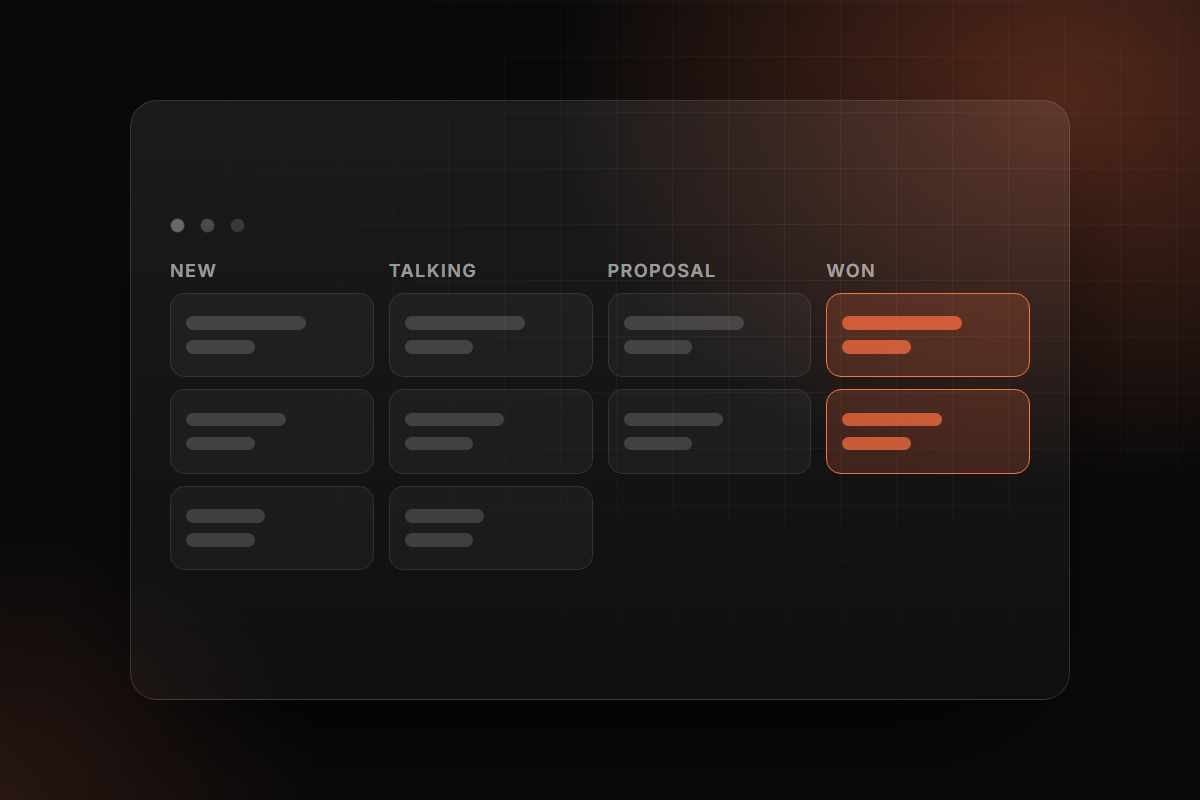
Sales: A full pipeline without a bigger sales team
02CRM and customer data6 tools

One clean record of every customer

One clean record of every customer, kept up to date without typing.

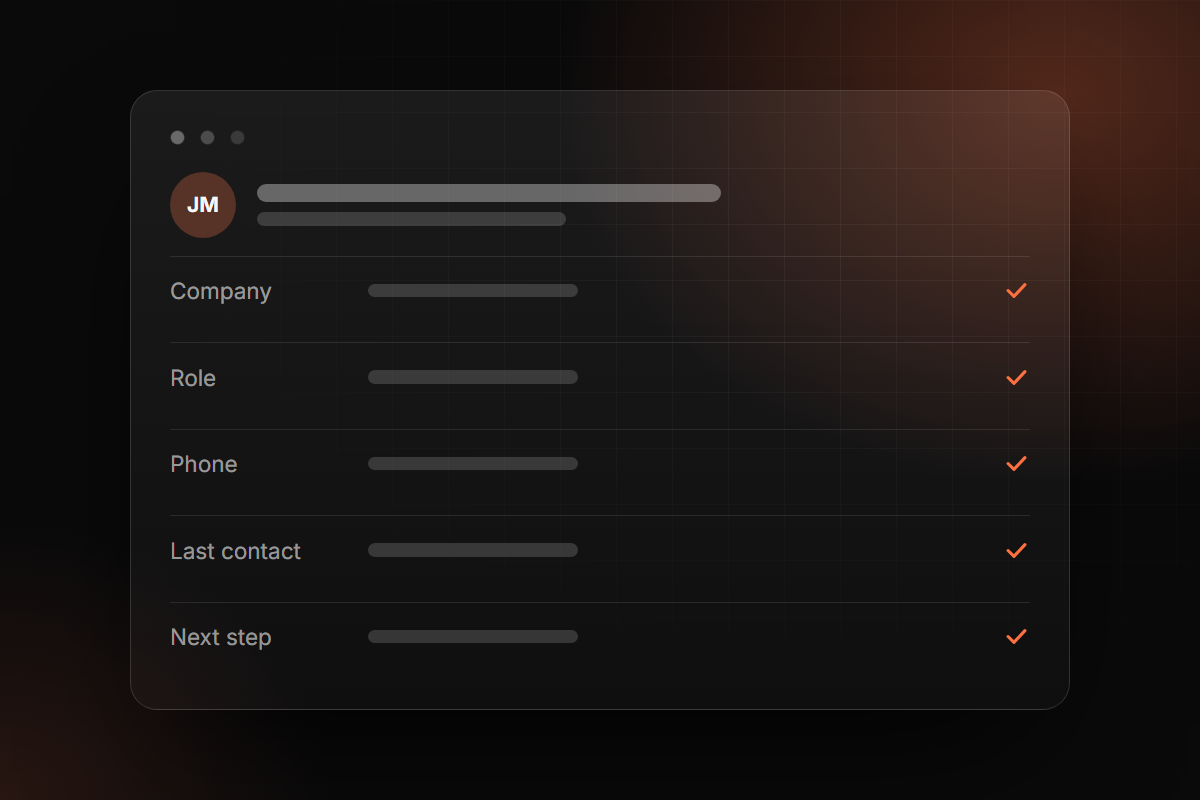
A CRM is only as good as what is in it, and nobody likes typing it in. These tools fill in missing details, tidy duplicates, turn call notes into records and warn you when a deal has gone quiet, so the whole team works from the same, current picture.

  • No more typing up notes after calls
  • Duplicates and gaps fixed for you
  • Stalled deals flagged before they are lost
A few of the 6
Contact Enrichment

Fills in role, company size and industry for every new contact.

Notes to CRM

Updates the record and creates the follow-up tasks after every call.

Pipeline Monitor

A weekly note on deals that have stalled or slipped.

CRM and customer data: One clean record of every customer
03Email and inbox6 tools

Less time in the inbox, nothing missed

Less time in the inbox, nothing missed.

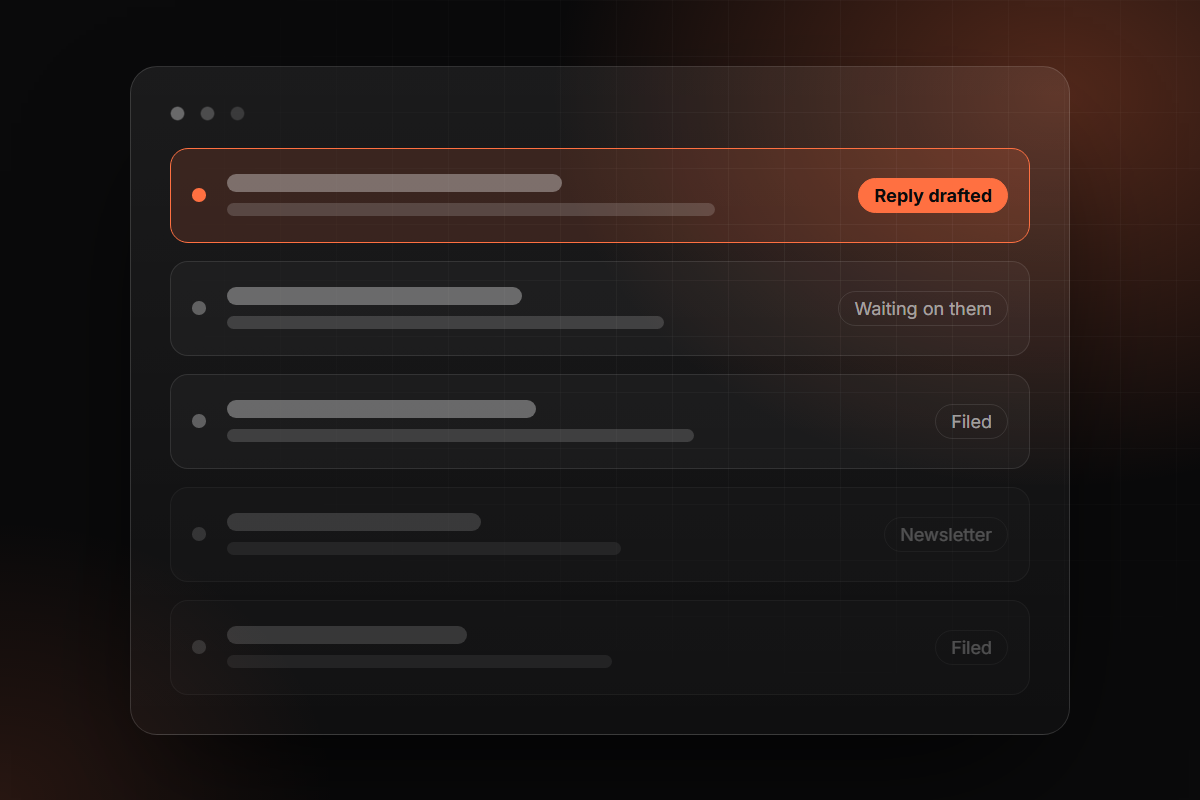
Email quietly eats a quarter of the working week. These tools sort what matters from what does not, draft replies in your voice, remember who still owes you an answer, and hand you a short brief each morning instead of two hundred unread messages.

  • Hours back every week, per person
  • Replies drafted and waiting for you
  • No customer email left unanswered
A few of the 6
Inbox Triage

Sorts incoming mail by what it needs: reply today, waiting, read later.

Reply Drafter

Drafts replies in your own voice, ready to send or edit.

Daily Brief

One morning message: what came in, what matters, what is on today.

Email and inbox: Less time in the inbox, nothing missed
04Marketing11 tools

Steady, on-brand marketing without a big team

Steady, on-brand content and campaigns without a large team.

Marketing works when it is consistent, and consistency is what small teams run out of first. These tools plan the calendar, write the articles and posts in your voice, turn one piece into ten, build the site, and keep watch on your reviews, your search ranking and your competitors.

  • A content calendar that actually gets published
  • One voice across every channel
  • A website and pages live in days, not months
A few of the 11
Site Builder

Describe a page or pick a template, edit it on the page, publish.

Content Planner

A month of topics by channel, from what your customers ask and search for.

Review Responder

Answers every public review in your voice and flags the ones that need you.

Marketing: Steady, on-brand marketing without a big team
05Ads, video and creative18 tools

Ad creative at volume, tested and improved

Ad creative at volume: written, designed, filmed and tested.

Ads fatigue fast, and the accounts that win are the ones that test the most. These tools turn a brief into finished ads: copy, images, video, presenters, voiceover in any language and sized for every placement, then read the results and tell you what to make next.

  • Dozens of ad variations from one brief
  • Video and voiceover without a studio
  • Clear answers on what is working and why
A few of the 18
Ad Studio

Ad concepts and copy for a market and an offer: hooks, headlines, direction.

Video Ad Maker

Short marketing videos from a product page or a script.

Ad Analyst

Reads your ad accounts daily: what is working, what is wasting money.

Ads, video and creative: Ad creative at volume, tested and improved
06Customer support6 tools

Fast, correct answers at any hour

Fast, correct answers at any hour, with people on the hard ones.

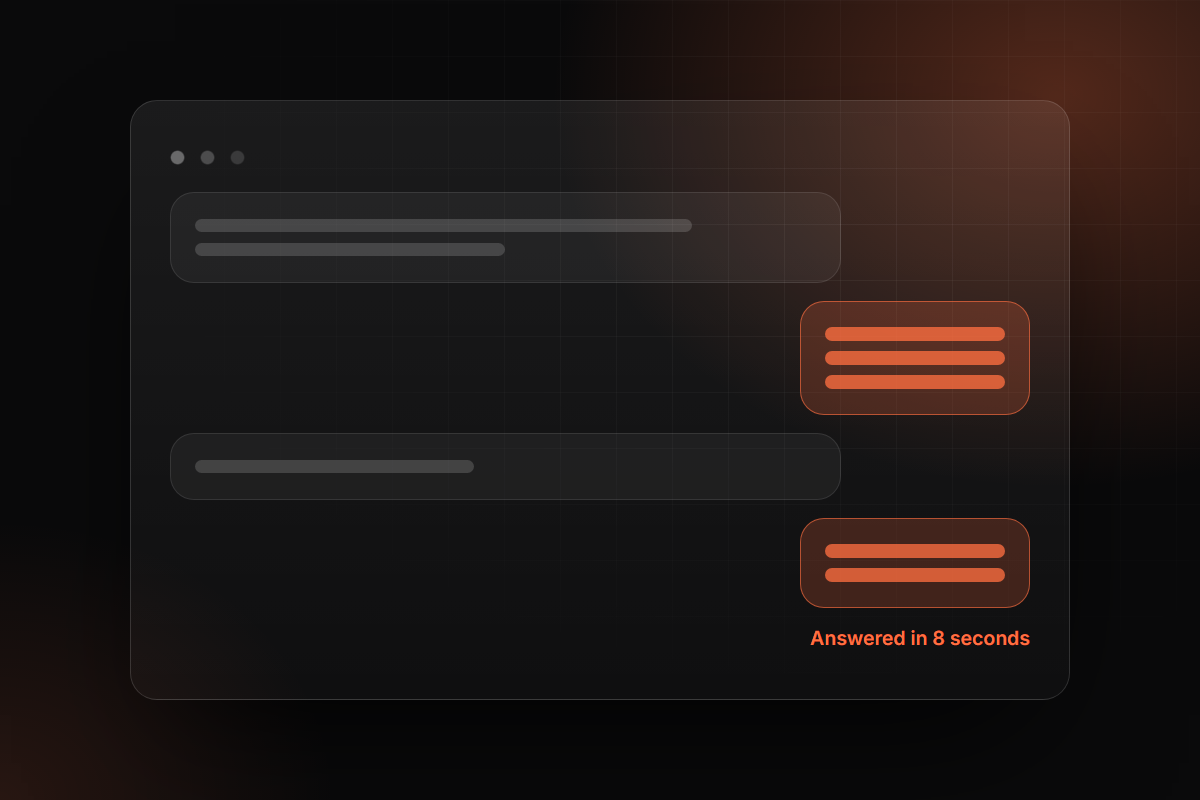
Customers expect an answer in minutes, including at night and at weekends. These tools answer the common questions straight away from your own knowledge, route the rest to the right person with the background attached, and turn what customers say into a list of what to fix.

  • Instant answers, day and night
  • Your team only handles the hard ones
  • Every ticket makes the help centre better
A few of the 6
Support Agent

Answers customers on chat and email from your own documents.

Ticket Triage

Labels, prioritises and routes every ticket, and drafts the first reply.

Knowledge Writer

Keeps your help articles written and current from resolved tickets.

Customer support: Fast, correct answers at any hour
07Hiring and HR12 tools

Hire faster and look after the team

Hire faster and look after the team with less paperwork.

Hiring is slow because it is mostly paperwork: writing the post, reading résumés, arranging interviews. These tools do that part in hours, give every candidate a fair and consistent screen, and then help with onboarding, reviews, training and the everyday people questions.

  • Shortlists in days, not weeks
  • Every candidate assessed the same way
  • New starters productive sooner
A few of the 12
Hiring Desk

Job postings, a careers page, applications and a candidate pipeline.

Résumé Screener

Scores each application against the role, with reasons a person can check.

Onboarding Planner

A first-ninety-days plan for every new hire.

Hiring and HR: Hire faster and look after the team
08Operations and automation10 tools

The routine work between systems, done reliably

The routine work between systems, done reliably and logged.

Every business has work that falls between its systems: copying data, reading documents, writing up meetings, chasing status. These tools do that work the same way every time, keep a log of what they did, and answer your team's questions from your own procedures and files.

  • No more copying between systems
  • Meetings end with notes and actions sent
  • Answers from your own documents in seconds
A few of the 10
Document Reader

Pulls the data out of PDFs, forms and scans into the system that needs it.

Meeting Notes

Notes, decisions and owners after every meeting, sent to who was there.

Company Assistant

Ask how anything in the business works and get the answer with its source.

Operations and automation: The routine work between systems, done reliably
09Accounting8 tools

Books that keep themselves up to date

Books that keep themselves up to date, checked by a person.

Month-end is painful because the work piles up all month. These tools read bills and receipts as they arrive, sort expenses, match payments, chase what you are owed and explain the numbers in plain words, with your accountant checking the result rather than doing the typing.

  • Bills and receipts entered for you
  • Invoices paid sooner
  • Month-end closed in days, not weeks
A few of the 8
Bill Reader

Reads supplier invoices, codes them and queues them for approval.

Payment Chaser

Polite, persistent reminders for overdue invoices, on rules you set.

Month-end Close

Runs the close checklist, collects what is missing, flags the unusual.

Accounting: Books that keep themselves up to date
10Budgeting and planning6 tools

Know where the money is going

Know where the money is going, and what happens if things change.

Most owners find out about a cash problem after it has happened. These tools keep a live view of your numbers, forecast cash weeks ahead, flag spending that has crept up, and let you ask what happens if you hire, raise prices or lose a customer before you decide.

  • Cash position known weeks ahead
  • Creeping costs caught early
  • Decisions tested before they are made
A few of the 6
KPI Dashboard

The numbers that matter on one screen; add a chart by describing it.

Cash-flow Forecaster

Thirteen weeks of cash, updated daily, with the dates that get tight.

Scenario Planner

Ask what happens if you hire two people or lose a client, and see it in numbers.

Budgeting and planning: Know where the money is going
12Leadership and insight3 tools

Answers from your own data, without waiting

Answers from the business's own data, without waiting for a report.

Leaders make better decisions with current numbers, and usually wait days for someone to build the report. These tools answer questions from the business's own data in plain language, send a short weekly brief on what changed, and assemble the board pack.

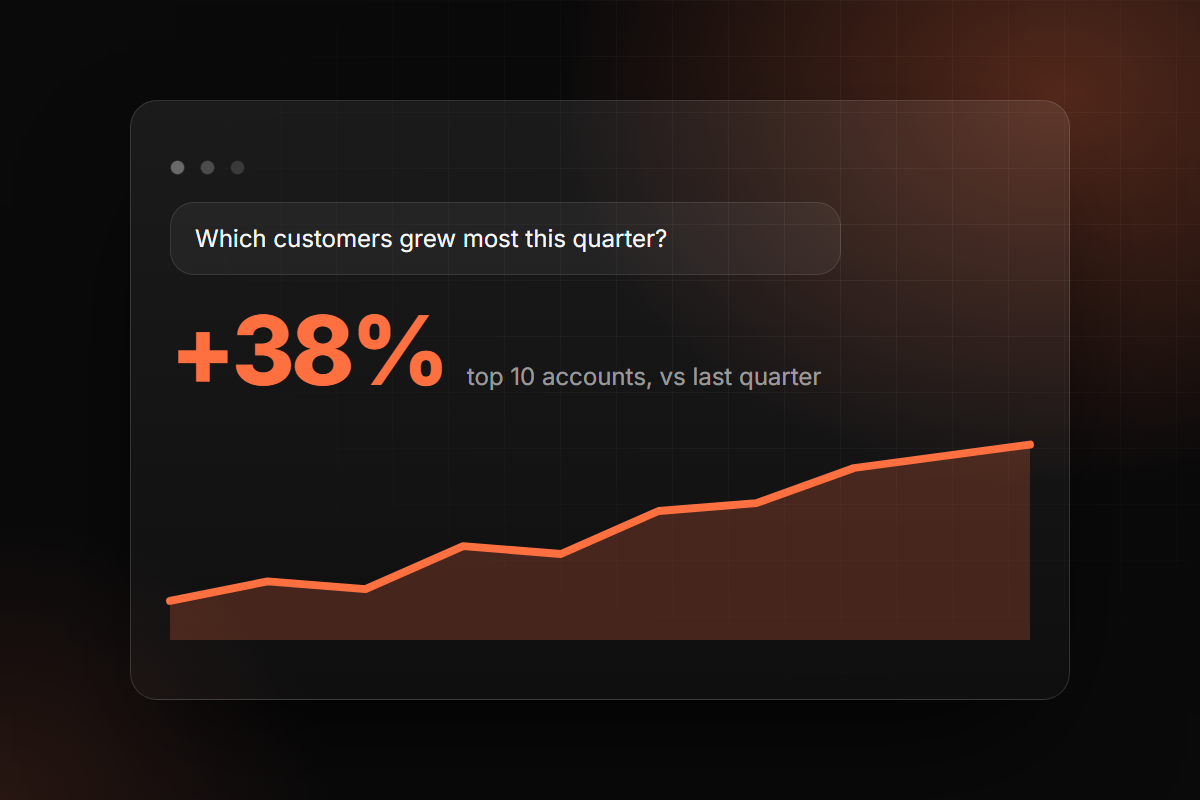
  • Ask a question, get the number
  • A weekly brief on what changed and why
  • Board packs assembled, not built by hand
A few of the 3
Business Analyst

Ask a question in plain English and get the number and the chart.

Weekly Brief

One page each Monday, with the three things that need a decision.

Board Pack

The monthly pack drafted from the numbers, for you to edit.

Leadership and insight: Answers from your own data, without waiting

How the suite works: start with one, grow into all of it.

01

Start where it hurts

We look at where your business loses the most hours or the most revenue, and switch on the part of the suite that fixes it first.

02

One setup, shared by every tool

Your email, CRM, calendar, documents, voice and rules are connected once. Every tool you add later already knows them.

03

You stay in charge

Anything that goes to a customer or moves money waits for a person's approval until you decide otherwise.

04

Measure, then grow

You see what each tool did and what it saved. When it has earned its place, the next part of the suite goes on.

Not sure where to start?

Most businesses start with one part of the suite, usually sales follow-up, the inbox or support. Tell us where the hours go and we will show you the first tool worth having, what it should return, and what it unlocks next.

Book a call

Need something that is not on the list?

When nothing in the suite fits, we build it. A custom tool is made from the same proven parts as the rest, connected to your systems, and run under the same approval and audit rules.

Tell us what you need